Turning Any Browser into a Second Screen with Deskreen CE
Turning Any Browser into a Second Screen with Deskreen CE
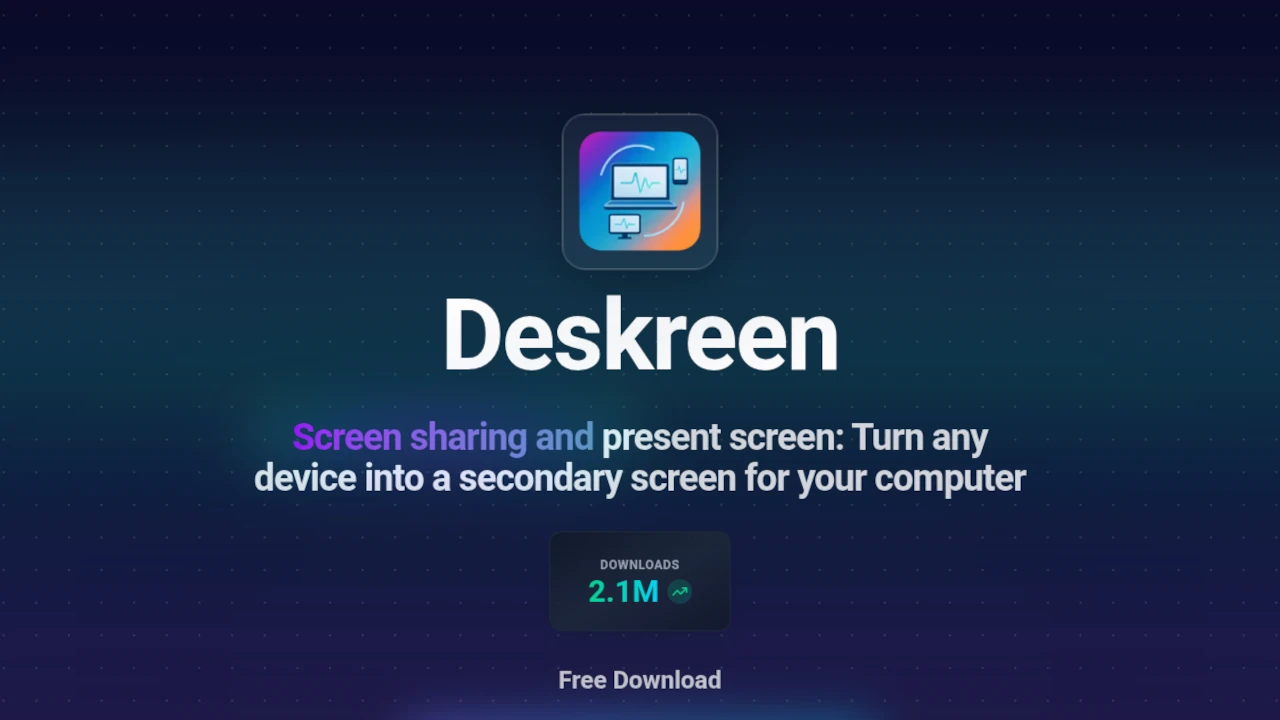
I’ve always liked the idea of using my phone or tablet as an extra monitor, but the usual solutions feel either pricey or clunky. When I stumbled across Deskreen Community Edition on GitHub, the promise of a free, open‑source, cross‑platform tool that turns any web‑browser into a live second screen instantly caught my eye.
Why Deskreen? Motivation and Context
The core motivation behind Deskreen is simple: leverage the ubiquity of browsers and the power of WebRTC to create a seamless, low‑latency screen‑sharing experience. According to the repo, the app has already surpassed 2 million downloads in five years, a testament to its practicality. I’m a developer who values open source, so the fact that Deskreen is built with Electron, Vite, React, and a host of MIT‑licensed libraries makes it a natural fit for my workflow.
I tested it on macOS, Windows, and Linux, following the official installation steps:
# Clone and build
git clone https://github.com/pavlobu/deskreen
cd deskreen
pnpm i
cd src/client-viewer && pnpm i && cd ../..

# Clean, build, and run
pnpm clean && pnpm build && pnpm start
For a quick start on a custom local IP, the CLI flags --ip or --local-ip let you pin the app to a specific network interface—useful in environments with multiple adapters.
Key Features and How It Works
- Cross‑platform: Works on macOS, Windows, and Linux out of the box.
- WebRTC‑powered: Provides a live, low‑latency stream from your desktop to any browser.
- Zero‑configuration QR codes: Scan a QR code on your phone or tablet to connect instantly.
- Custom IP support: Use
--ip 192.168.1.100to specify the local address for more control. - Open‑source: Released under AGPL‑3.0 with a rich ecosystem of MIT‑licensed dependencies.
- Community‑driven: The project credits a wide range of libraries and contributors, reflecting a healthy open‑source culture.
- Free to use: The Community Edition is fully functional; a Pro version will add more features when available.
Installation Quick‑Guide
- Node & pnpm – Make sure you have Node ≥ v23 and pnpm ≥ v10.20.0.
- Clone & install –
git clone … && pnpm i. - Build & run –
pnpm clean && pnpm build && pnpm start. - Optional IP flag –
deskreen-ce --ip 192.168.1.100(Linux) or the equivalent on macOS/Windows. - Connect – Open a browser on any device, scan the QR code, and you’re ready to use your phone as a secondary display.
Conclusion
Deskreen CE is a brilliant example of how modern web technologies can solve everyday productivity problems. Whether you’re a developer needing a quick preview window on a tablet or a remote worker who wants to keep an eye on a presentation from your phone, Deskreen gives you that flexibility without the cost of additional hardware. I’m already using it for coding sessions and video calls, and I appreciate the community spirit behind the project. Check out the repo, fork it if you like, and give it a try—your second screen is just a browser away.
Source: GitHub repository https://github.com/pavlobu/deskreen



Comentarios